If you are experiencing challenges or difficulties while trying to complete your programme card for either the Level 2 Gym Instructor course or the Level 3 Personal Trainer course using our Excel versions, please rest assured that we are here to assist you every step of the way.
Should your enquiry relate specifically to completing your Excel programme card, and you have any questions or require clarification, the most efficient way to get support is through our dedicated front-line tutor support team or by scheduling a call here.
You can reach them conveniently via the Live Chat feature, which is available by logging into our Learning Platform here. The Live Chat service operates throughout the week from 9am to 7pm, and on weekends from 9am to 5pm, ensuring that you can receive help when you need it most. If you prefer, there is also the option to arrange a scheduled phone call with a tutor at a time that suits you best, which you can do by clicking here.
Whilst this may seem like a complex step to complete on your course, it is required to meet the curriculum and marking criteria as laid out by our awarding body. Due to the varying nature of student enquiries, it may be more efficient to speak with a tutor directly to progress through this step rather than back and forth with resubmissions. To be best prepared for a live chat session or phone call with a tutor please follow these steps:
- Have the programme card open in front of you.
- Highlight any feedback you’ve had to date from any previous submissions.
- Clearly outline the issues you’re facing.
If you are encountering technical difficulties with the software or if you are unfamiliar with using Microsoft Excel, we offer an alternative solution. You can utilise our Google Sheets versions of the programme card, which are accessible through the links provided below.
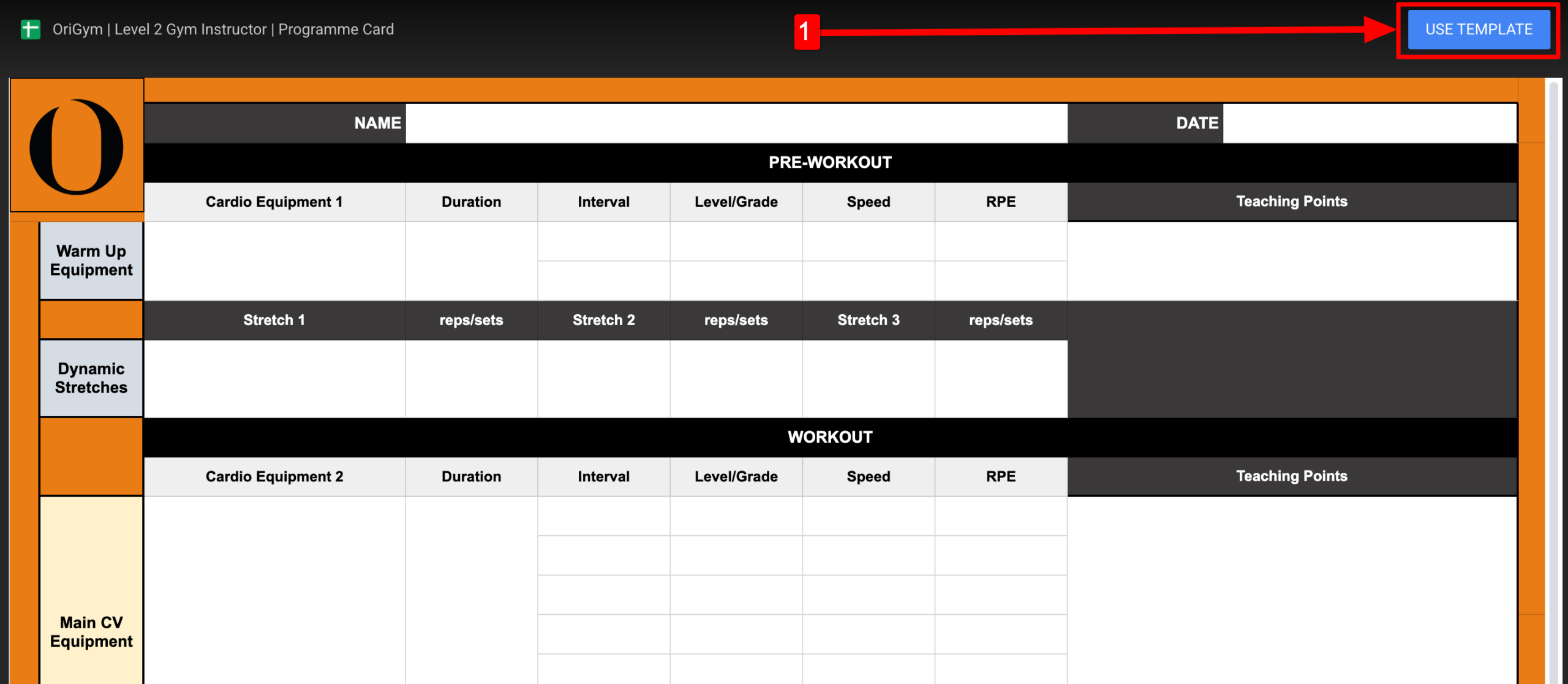
Once you click on a link above, please click ‘Use Template‘ as shown below.
Once you have completed your programme card using Google Sheets, you can simply download the file by clicking File > Download > Microsoft Excel then uploading this file to the Learning Platform section. For detailed instructions on how to submit your programme card please see here.